How to Use Robot Pets for STEM Education
Table of Contents
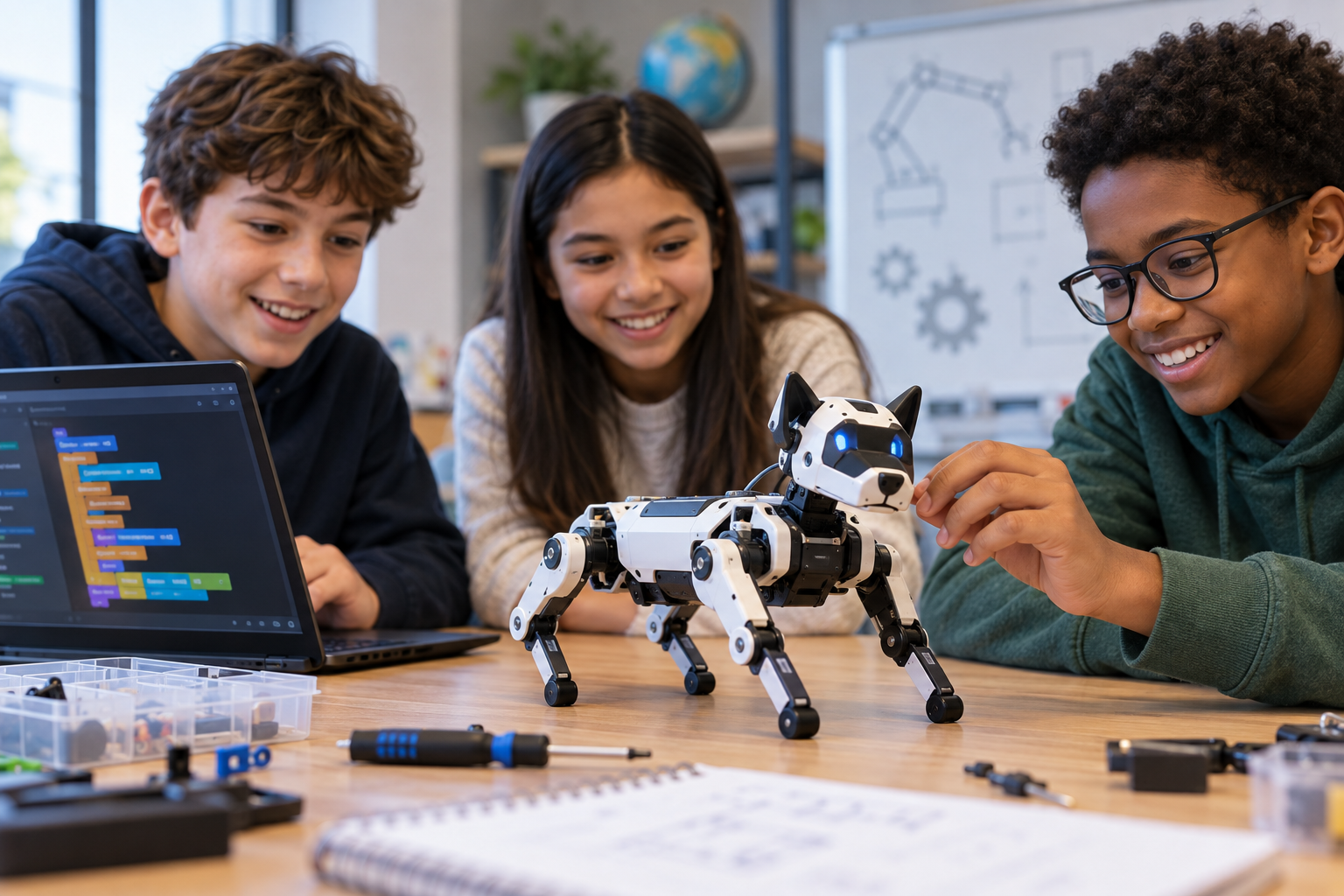
Robot pets can do much more in a classroom than walk, make sounds, or imitate an animal. A programmable robot dog or cat can become a working model for teaching coding, engineering, electronics, physics, mathematics, sensors, and even introductory artificial intelligence.
The advantage is that students can immediately see the consequences of their decisions. A programming error might cause the robot to turn in the wrong direction. An engineering change might make it more stable. A poorly calibrated sensor might cause it to stop too early. Students aren’t only reading about a STEM concept. They’re testing that concept on a physical system.
That makes using robot pets for STEM education particularly valuable when lessons move beyond demonstrations and give students a problem to investigate, measure, program, and improve.
Why Robot Pets Work Well for STEM Education
Educational robotics already connects several disciplines because a functioning robot depends on software, mechanical components, electronics, sensors, and mathematical relationships. Robot pets add another dimension: recognizable movement and behavior.
Students already understand what it means for a dog to walk, avoid an obstacle, respond to a command, or maintain its balance. Those familiar behaviors give teachers an accessible starting point for discussing the much less familiar systems that make them possible.
Programmable quadruped platforms such as Petoi’s Bittle, for example, can support block-based programming as well as Python and C++, depending on the model and learning environment. Sensors and additional hardware can extend projects into physical computing, Internet of Things applications, navigation, and more advanced robotics.
The pet form shouldn’t become the lesson itself, however. The strongest activities treat the robot as a tool for investigating a defined STEM problem. Instead of asking students to “play with the robot dog,” a teacher might ask them to determine which gait allows it to cover a fixed distance fastest without losing stability. Suddenly the activity involves programming, measurement, experimental design, data collection, and engineering trade-offs.
Start With the Learning Objective, Not the Robot
A common mistake with educational technology is buying an interesting device and figuring out what to teach with it afterward. Reverse that process.
First identify the concept students need to understand. Then determine what the robot can do that makes that concept easier to investigate.
If students are learning loops, for example, they could program a repeated walking pattern. A lesson on variables might have them change movement speed or the number of repetitions. A physics class could measure distance and time to calculate average speed. An engineering class might investigate balance and gait design.
This approach also helps teachers distinguish genuinely educational activities from impressive demonstrations.
Watching a robot respond to voice commands may capture attention, but students learn considerably more when they’re responsible for understanding, programming, testing, or modifying the system responsible for the behavior.
Use Robot Pets to Teach Coding
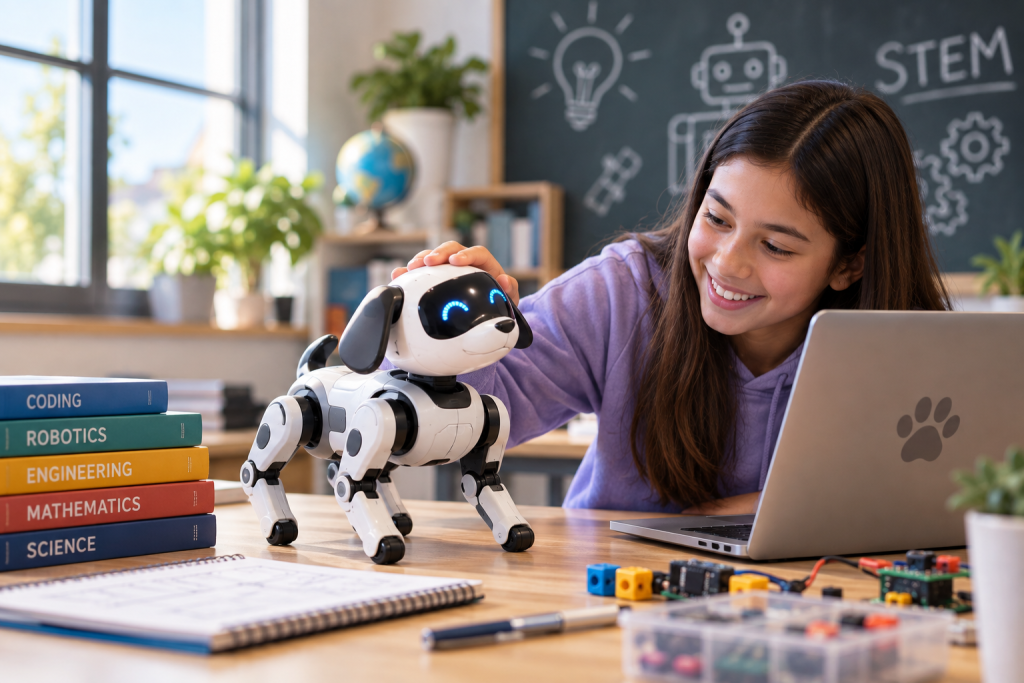
Programming is one of the most direct ways to use robot pets for STEM education because code produces an observable physical result. Students can write an instruction and then watch the robot execute it. When the behavior differs from what they expected, debugging becomes tangible.
Begin With Sequences and Block-Based Programming
For students with little programming experience, visual block-based environments can remove the additional difficulty of memorizing syntax. Students can begin with simple sequences such as:
- Stand.
- Walk forward.
- Stop.
- Turn.
- Walk again.
- Sit.
Once students can create reliable sequences, the lesson can introduce loops, conditions, variables, functions, and increasingly complex behaviors.
The progression matters. Giving beginners a complicated autonomous navigation project immediately can turn a coding lesson into a troubleshooting exercise they don’t yet have the knowledge to solve.
Platforms designed for education may already provide this progression. Petoi, for example, offers a project-based curriculum using a Scratch-like block programming environment in which students can control movements and later work with sensors.
Make Debugging Part of the Assignment
A robot that doesn’t behave correctly can provide some of the best learning in the lesson. Suppose students program their robot pet to walk around a square. Instead, it gradually drifts away from its starting point. Don’t immediately correct it.
Ask students to determine where the error originates. Did they program the wrong turn angle? Does the physical robot turn less precisely than their program assumes? Does the floor surface affect its movement? Is the robot’s calibration contributing to the error?
Students learn that programming a physical machine differs from producing an animation on a screen. Software interacts with hardware and the physical environment, creating sources of variation that need to be measured and managed.
This relationship between code and mechanical design is a valuable component of robotics education. Students may need to decide whether a problem should be addressed through the program, the physical system, or both.
Progress to Text-Based Programming
Older or more experienced students can move from blocks to languages such as Python or C++, provided the robot supports them. The underlying problems can remain familiar while the implementation becomes more sophisticated.
Students might write functions for different movements, use variables to control parameters, process sensor readings, or create conditional behaviors. Instead of manually telling the robot to stop, for instance, they could program it to stop when an obstacle is detected within a specified distance.
Some open robotics platforms support a useful progression from visual coding into more advanced development. Petoi’s educational quadrupeds, for example, support block coding, Arduino C++, and Python, while additional hardware can extend projects further.
Teach Engineering Through Movement and Design
A four-legged robot provides an unusually visible way to introduce engineering because every successful movement depends on several systems working together.
Walking isn’t simply “move four legs.” The robot needs coordinated joints, appropriate timing, sufficient traction, structural stability, power, and software controlling how those components interact.
Investigate Gait and Balance
Ask students to observe how the robot’s legs move during walking. Which legs move together? How does changing the sequence affect stability? What happens when the robot moves faster? How does its center of mass influence whether it remains upright?
Students can compare multiple movement patterns while keeping other variables as consistent as possible.
The activity becomes more valuable when students have to define a measurable criterion for “better.” One gait might be faster but less stable. Another might conserve battery power but take longer to complete the course.
There may not be one universally correct design. That’s an important engineering lesson in itself. Engineers frequently optimize for competing requirements rather than searching for a single perfect solution.
Create Engineering Design Challenges
Robot pets also work well with the engineering design process because students can define a problem, create a solution, test it, collect evidence, and revise their approach.
Consider an obstacle-course challenge. Students could be asked to make a robot pet travel from one side of a course to another while avoiding several barriers. Younger students might program a fixed sequence. More advanced students could use distance or proximity sensors so the robot responds dynamically.
After the first test, students analyze what failed. Perhaps the robot can’t turn tightly enough. Maybe its sensor doesn’t detect an obstacle at a particular angle. Perhaps the program works at slow speed but becomes unreliable when the robot moves faster.
Each failure generates evidence for the next design iteration.
Turn Robot Movement Into Math Lessons
Mathematics becomes easier to contextualize when students need it to solve a physical problem. A simple robot race, for example, can become an investigation of distance, time, speed, averages, measurement error, and data visualization.
Students can mark a known distance on the floor, record how long their robot takes to travel it, and calculate average speed:
Average speed = distance ÷ time
Repeating the trial introduces another important question: Why isn’t the result exactly the same every time?
Students can calculate the mean across multiple trials and examine the range of their results. Older students can discuss variability, measurement uncertainty, and whether enough trials were conducted to support a conclusion.
Explore Geometry Through Navigation
Robot navigation also creates practical geometry problems. Ask students to program a robot pet to travel around a square, triangle, or other geometric path. They need to consider distances and turning angles rather than simply drawing the shape.
A more advanced lesson can introduce coordinate systems. Students might map the classroom onto a coordinate grid and determine how the robot should travel from one point to another. They can compare the theoretical route with the path the physical robot actually follows.
That difference opens another discussion about mathematical models. A calculation can describe an ideal movement precisely, while a real robot operates with friction, mechanical tolerances, imperfect turns, and other physical constraints.
Explore Sensors and Physical Computing
Sensors give students a way to understand how robots collect information about their surroundings. Without sensors, a program may simply issue commands. With sensors, the robot can receive input, process it, and change its behavior.
This creates a useful framework for teaching robotics:
Sense → process → act
A distance sensor might detect an obstacle. The program evaluates the reading. The robot then stops or changes direction.
The simplicity of that model makes it useful for beginners, but the same basic relationship extends into much more sophisticated autonomous systems.
Build a Sensor Investigation
Rather than only showing students that a sensor “works,” ask them to characterize its performance.
Students could place an object at measured distances from the robot and record the sensor’s output. They could repeat the experiment using objects made from different materials, positioned at different angles, or under different environmental conditions.
Now they’re investigating questions such as accuracy, repeatability, detection limits, and sources of error.
Robot-pet platforms that support add-on sensors can extend these experiments considerably. Educational quadruped curricula currently use components such as light, ultrasonic, infrared, motion, and reflective sensors to introduce physical computing and environmental sensing.
Students begin to understand an important principle of robotics: a machine doesn’t experience its environment the way a human does. It constructs a limited representation from the data its sensors can collect.
Use Robot Pets for Scientific Experiments
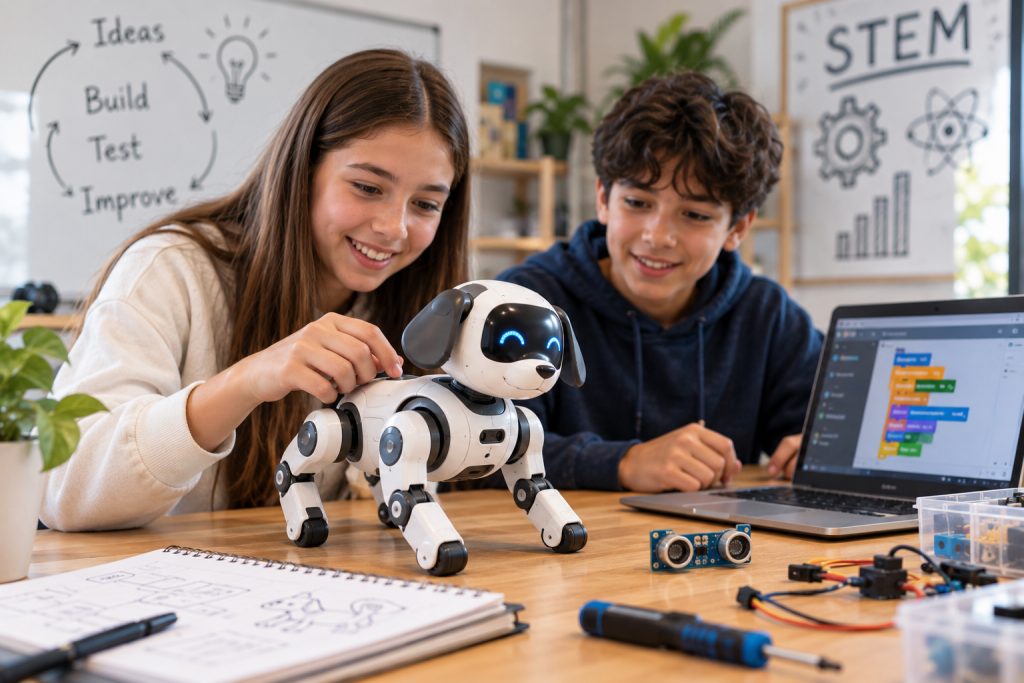
Robot pets can function as experimental subjects when students need a system whose behavior can be changed systematically.
For example, a class could investigate how surface type affects robot movement. Students might test the same programmed walking sequence on tile, carpet, rubber, and another safe surface. They would identify the independent variable, keep the program and travel distance constant, collect results, and compare performance.
The measured outcome could be travel time, distance traveled before deviation, energy consumption if measurable, or another appropriate variable.
The important part isn’t the novelty of making a robot walk across different floors. It’s the experimental structure surrounding the activity. Students should make a prediction, define variables, decide how many trials are necessary, collect data consistently, and explain whether the evidence supports their hypothesis.
That turns a robotics activity into scientific inquiry.
Connect Robot Pets to Biology and Biomimicry
Animal-inspired robots create a natural opportunity to discuss biomimicry, which examines how biological structures, processes, and strategies can inform human design.
A quadruped robot isn’t a mechanical copy of a dog. Comparing the two is precisely what makes the lesson interesting. Students can study a video of a real animal walking and compare its gait with the robot’s movement. They can identify similarities and limitations.
Questions naturally emerge. How many degrees of freedom does an animal’s leg have compared with the robot’s? How does a real animal maintain balance? What sensory information does it use? Why can an animal adapt to uneven terrain more easily?
Students can then propose engineering changes that might make the robot’s behavior more animal-like. The exercise connects biology, mechanical engineering, robotics, and design without treating those subjects as isolated disciplines.
Introduce Artificial Intelligence Carefully
A robot pet can also provide an entry point for discussing artificial intelligence, but teachers should distinguish genuine AI functionality from behaviors produced by conventional programming.
A robot that executes a programmed command isn’t necessarily “thinking.” A sensor-triggered response can be implemented with a simple conditional statement. That distinction is educationally useful.
Students can compare rule-based systems with systems that use computer vision, machine learning, voice recognition, or other AI techniques.
For example, an advanced project could use a camera to identify an object and instruct the robot to perform a particular behavior based on what was detected. Some programmable robot-pet ecosystems support additional computing hardware and vision modules that make projects involving recognition, navigation, and AI possible.
Teachers can use these projects to ask a deeper question: What part of this system is actually intelligent? Students can map the pipeline from sensor input to data processing, decision-making, and physical action. Doing so helps demystify AI by showing that the impressive final behavior depends on identifiable technical components.
Design Project-Based STEM Activities
Robot pets become especially effective when several concepts are combined into one problem rather than taught as disconnected features.
A “robot pet rescue mission,” for example, could require students to program a robot to navigate toward a target, avoid obstacles, cross a defined course, and return to a starting area.
Completing the mission could involve mathematics for route planning, programming for movement, sensors for obstacle detection, engineering for stability, and scientific testing to determine which solution works reliably.
The final assessment shouldn’t depend solely on whether the robot finishes the course. Ask students to document their design decisions, explain their code, record unsuccessful trials, analyze data, and justify revisions. Two teams may produce very different solutions that both satisfy the requirements. That makes the thinking visible, rather than grading only the final robot performance.
Project-based robotics can also give students greater ownership over their work. Classroom examples have used student-designed robotic pets to combine coding with creative design, allowing learners to experiment with how their creations behave and interact.
Adapt Robot Pet Activities by Grade Level
The same robot can support very different learning objectives depending on student experience.
Elementary School
For younger students, prioritize observable cause and effect. Students might create simple movement sequences, identify robot components, predict what a program will do, measure travel distances, or design a short obstacle course.
Block coding can be particularly useful at this stage because students can concentrate on computational thinking concepts such as sequences, loops, and conditions without syntax becoming the primary difficulty. Educational robotics curricula for elementary learners commonly use this progression to introduce algorithms and basic programming.
Middle School
Middle school students can begin combining programming with quantitative experiments. Projects can incorporate variables, functions, sensors, speed calculations, coordinate navigation, repeated trials, and engineering design.
Students should also begin documenting their reasoning. Instead of merely fixing a program, they should explain what caused the problem and why their modification solved it.
High School
High school projects can become significantly more technical.
Depending on the platform, students can work with Python or C++, microcontrollers, sensor integration, electronics, data analysis, computer vision, or introductory autonomous robotics.
At this level, the robot pet can serve less as a toy-like learning device and more as a small robotics development platform. Students might compare navigation algorithms, develop sensor-based behaviors, investigate quadruped locomotion, or build applications that combine multiple hardware and software systems.
Manage Robot Pets in a Classroom Setting
Good classroom implementation requires more than an interesting lesson plan.
Physical robots need charging, calibration, software setup, storage, and occasional troubleshooting. Teachers should test activities before class and know which problems students are expected to solve themselves versus which problems indicate an equipment failure.
Group size matters as well. If six students surround one robot and one student controls the computer for the entire period, most of the group isn’t receiving meaningful hands-on experience.
Assigning rotating roles can help. One student might program, another operate the test area, another collect measurements, and another document results. Roles should rotate so every student experiences the technical work.
It’s also worth separating programming failures from hardware failures during assessment. A student shouldn’t lose credit because a battery unexpectedly dies or a servo develops a problem unrelated to the student’s design.
Choose a Robot Pet Based on What Students Need to Learn
Not every robotic pet marketed to children is suitable for STEM education. Some are primarily entertainment products with fixed behaviors and limited programmability. They may be engaging, but their educational ceiling is relatively low.
For serious classroom use, look for a platform that gives students meaningful control over its behavior. That may include access to block-based coding for beginners, text-based programming for advanced students, accessible sensors, replaceable components, documentation, curriculum materials, and an application programming interface or open development environment.
Also consider the computers already available at the school. A platform requiring software that won’t run on district-managed Chromebooks can create unnecessary implementation problems.
Scalability matters too. A robot that supports introductory block coding as well as more advanced programming can potentially serve several grade levels rather than being useful for one semester.
Most importantly, match capabilities to curriculum. A sophisticated robot with advanced AI features isn’t automatically a better educational purchase if students only need to learn loops, variables, and basic sensor logic.
Assess the STEM Learning, Not the Robot’s Entertainment Value
Robot pets tend to produce memorable demonstrations, but engagement isn’t the same as learning. Assessment should focus on what students can explain and apply.
After a project, students might need to describe why their robot behaved a certain way, identify evidence supporting a design decision, interpret experimental data, explain how a sensor influenced the program, or propose a technically justified improvement.
A robot that successfully completes a challenge doesn’t necessarily prove that the student understands why it worked. Conversely, an unsuccessful final run doesn’t mean the project failed educationally if the student can diagnose the problem and support a proposed solution with evidence. That distinction makes robotics assessment much more meaningful.
Make Robot Pets a Platform for STEM Problem-Solving
The best way to use robot pets for STEM education is to move past novelty as quickly as possible. Let students enjoy seeing the robot walk, respond, and behave like an animal. Then turn that curiosity into a technical question.
How does it balance? Why did it turn too far? How does it know an object is nearby? Which movement is fastest? Can the behavior be made more reliable? What changes when a sensor is added? How would an engineer test that improvement?
Each question creates an opening into coding, mathematics, physics, engineering, electronics, scientific experimentation, or artificial intelligence.
When students have to program the robot, measure what happens, diagnose failures, and redesign their solution, a robot pet stops being an electronic classroom attraction. It becomes what educational technology should be: a tool for making difficult STEM ideas observable, testable, and worth investigating.